Turn Every Chat Into a Shopping Moment
Create curated product collections and let Leno AI recommend them the moment a customer asks. Match search terms to your best products — no algorithms, no guesswork, just the right products at the right time.
Try LenoChat FreeWhat Are Product Recommendations?
Product Recommendations is a feature inside Leno AI's Shopping Assistant that lets you create curated product collections and connect them to specific search terms. When a customer types something like "best sellers" or "gift ideas" in the chat widget, Leno AI recognizes the intent and displays your hand-picked products — with images, names, and direct links to your store. You decide what gets recommended and when. No black-box algorithms, no random suggestions. Just the products you want customers to see, surfaced at the exact moment they're looking for them.
Why Product Recommendations Work
You know your products better than any algorithm. Now your chat widget does too.
Recommend Products While Customers Are Already Engaged
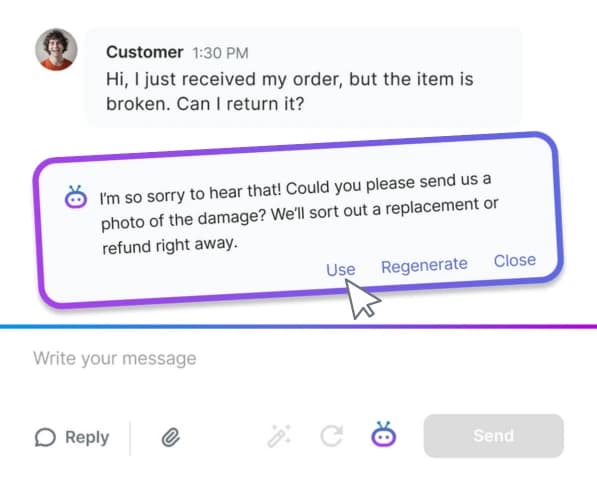
Most product recommendations happen on a page customers might never visit. With LenoChat, recommendations appear inside the conversation — right when a customer is actively asking questions, browsing, or ready to buy. That's the difference between a suggestion and a sale.
Hand-Pick the Products That Matter
You select the products. You write the search terms. Leno AI handles the matching. When a customer mentions "free shipping" or "new arrivals," your curated collection appears instantly. No algorithms deciding for you — you stay in control of what customers see.
Turn Recommendations On and Off in One Click
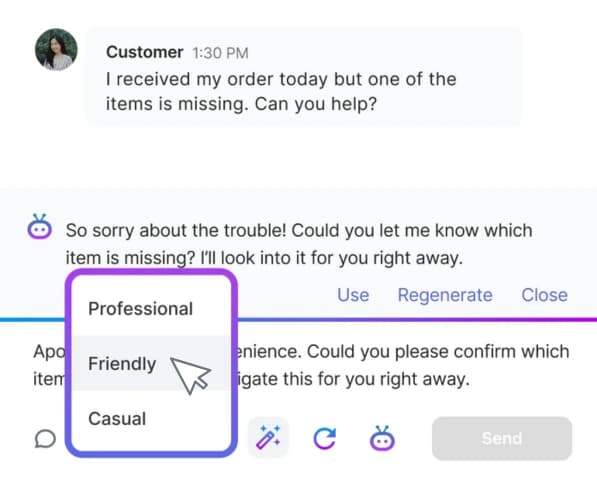
Holiday gift guide in December, summer collection in June. Create seasonal recommendations once, then enable or disable them whenever you need. Your collections are saved and ready to activate again next year.
Set Up a Recommendation in Under 2 Minutes
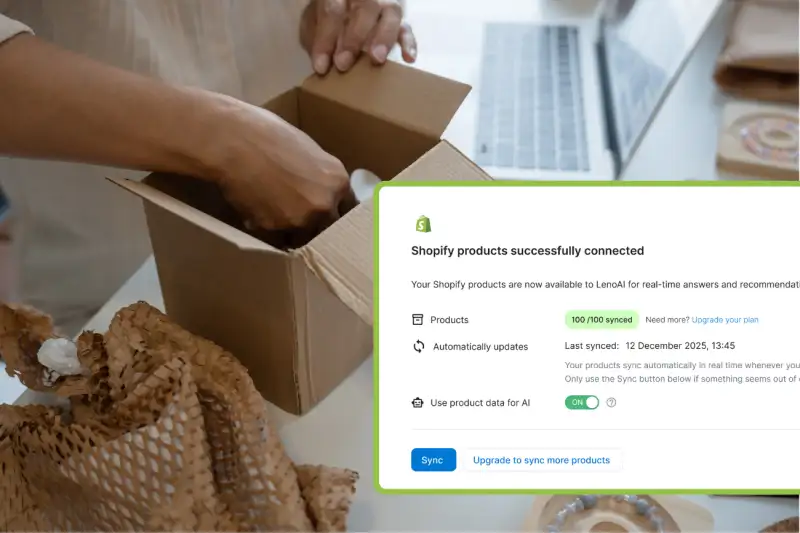
Pick a title, add search terms, select products from your synced Shopify catalog. That's it. No code, no complex configuration. Your recommendation goes live immediately and Leno AI starts matching it to customer conversations.

How It Works
Create a Recommendation
Give it a name, add search terms your customers use (like "best sellers" or "gift ideas"), and pick products from your Shopify catalog.
Leno AI Matches Customer Intent
When a customer sends a message that matches one of your search terms, Leno AI recognizes it and triggers your recommendation.
Products Appear in the Chat
Your hand-picked products show up inside the conversation with images, names, and links to your store. Customers browse and buy without leaving the chat.
See It in Action
A customer types "What are your best sellers?" — Leno AI matches the search term and instantly displays your hand-picked products with images, names, and links. The customer clicks, browses, and buys — all from the chat window.
Try Product RecommendationsReady-to-Use Recommendation Ideas
Gift Ideas
"gift," "present," "birthday gift"
Customers searching for gifts get your most giftable items instantly.
Free Shipping
"free shipping," "free delivery"
Highlight products eligible for free shipping when customers ask about costs.
Best Sellers
"best sellers," "popular," "top rated"
Surface your proven winners when customers want social proof.
New Arrivals
"new," "latest," "just arrived"
Show off new inventory to customers looking for something fresh.
Sale Items
"sale," "discount," "deals"
Direct deal-seekers straight to discounted products.
Frequently Asked Questions
Do search terms need to be an exact match?
Search terms are matched case-insensitively. Whether a customer types "Best Sellers" or "best sellers," the same recommendation triggers. Leno AI handles the matching so you don't need to worry about capitalization.
Can the same product appear in multiple recommendations?
Yes. A popular item can appear in "Best Sellers," "Gift Ideas," and "Sale Items" at the same time. There's no limit on how many recommendations a product can belong to.
What happens when I disable a recommendation?
Leno AI stops matching its search terms during conversations. The recommendation is saved with all its products and settings intact. Re-enable it whenever you're ready.
Do I need Shopify to use Product Recommendations?
Yes. Product Recommendations requires a Shopify integration because it pulls your product catalog from Shopify. You'll also need Product Catalog enabled and your products synced.
How many products should I add per recommendation?
We recommend 3 to 10 products per recommendation. Enough variety to be helpful, focused enough to avoid overwhelming the customer.
Is there a limit on how many recommendations I can create?
You can create up to 5 recommendations, each with up to 10 search terms. This keeps your setup focused and avoids conflicting matches.
Turn Conversations Into Sales
Let Leno AI recommend your best products the moment customers ask. Set up in minutes, sell on autopilot.
Try LenoChat Free